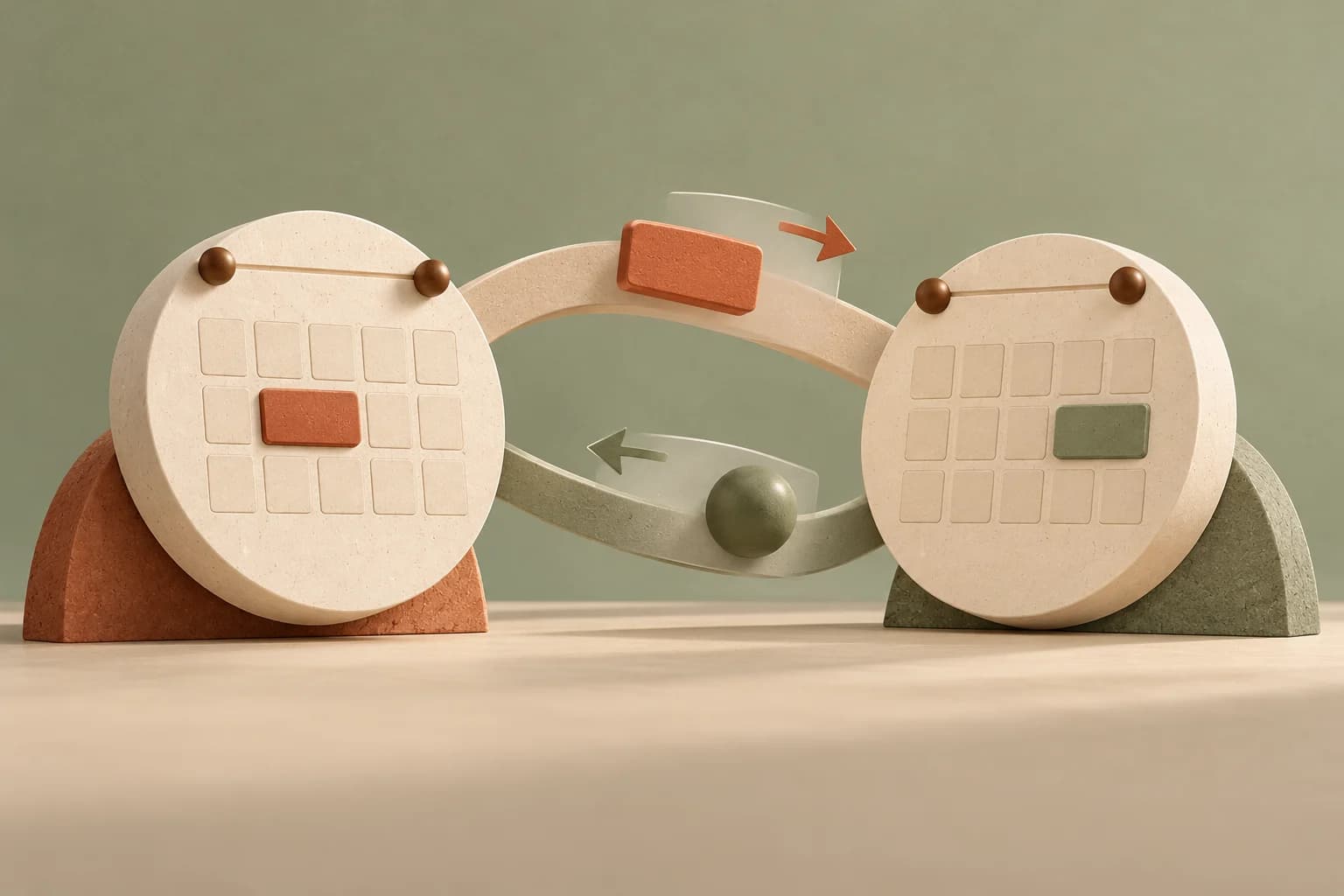
You have a dentist appointment on Tuesday at 2, and it lives in your Google Calendar. Your booking page has never heard of it. Until you connect Google, a new patient can pick that slot, and you find out when the two calendars collide.
Your Google busy time blocks public booking
Open Settings → Scheduling → Providers and, on your own row, press Connect Google Calendar. Google asks you to approve access to calendar events. When you come back, Goji reads the next 120 days of events on the primary calendar of that account, then keeps up with changes: Google tells Goji when something changes, and a sweep every six hours catches anything missed.
From then on, online booking, on the public page or in the patient portal, won't offer a time that overlaps an event on that calendar. Of each event Goji keeps only the start and end times, not its title, guests or notes. This is the step up from a personal calendar feed: it updates by itself instead of waiting for a Refresh now.
You can connect more than one calendar, a work one and a personal one for example, and each is watched separately. Only you can connect your own account; an owner or admin can't connect Google on your behalf. If Google stops accepting the connection, the row says needs reconnecting next to it, and connecting again fixes it.
Bookings can appear on your phone
A new connection starts with Push my bookings to this calendar on. Appointments booked from the Calendar show up in Google as an event titled Appointment, with only a start and an end time. There is no patient name, service, room or note in the event, so it can sit on a phone or a shared screen without telling anyone who is coming.
- Move an appointment in Goji and the Google event moves with it.
- Cancel it, from the Calendar or when a patient cancels online, and the event is removed.
- Appointments brought in through a CSV import are pushed too, when they are confirmed and still in the future.
- Turn the toggle off and Goji only reads. Events already on Google stay where they are, and later changes are not sent.
Pushing is a convenience on top of your booking, never a condition of it. If Google can't be reached, the appointment is still booked, moved or cancelled in Goji, and the Google event is simply not updated. A booking a patient confirms on their own, through the public page or the portal, isn't pushed yet; staff-made bookings and moves are.
A warning when you book over it
Staff aren't blocked by your personal calendar. When you book from the Calendar, Goji also asks Google whether that provider is busy at that moment, which catches an event added a minute ago. If so, you see the busy times and a Book anyway button, the same idea as the overlap override. It's advisory: if Google is slow or unreachable, the booking goes ahead without it.
Edits in Google never move your bookings
If you change or delete a pushed appointment in Google, Goji doesn't quietly change it to match. The appointment keeps its time and status, and the Calendar shows a Calendar changed externally flag on it with a Dismiss button, so you decide whether to move it here or leave it. The flag appears when the time in Google no longer matches or the event was deleted.
Disconnecting
Disconnect on the row revokes Goji's access with Google, stops the change notifications and removes the busy time Goji had kept for that calendar. Events it pushed earlier are left on Google. Your bookings are not touched.