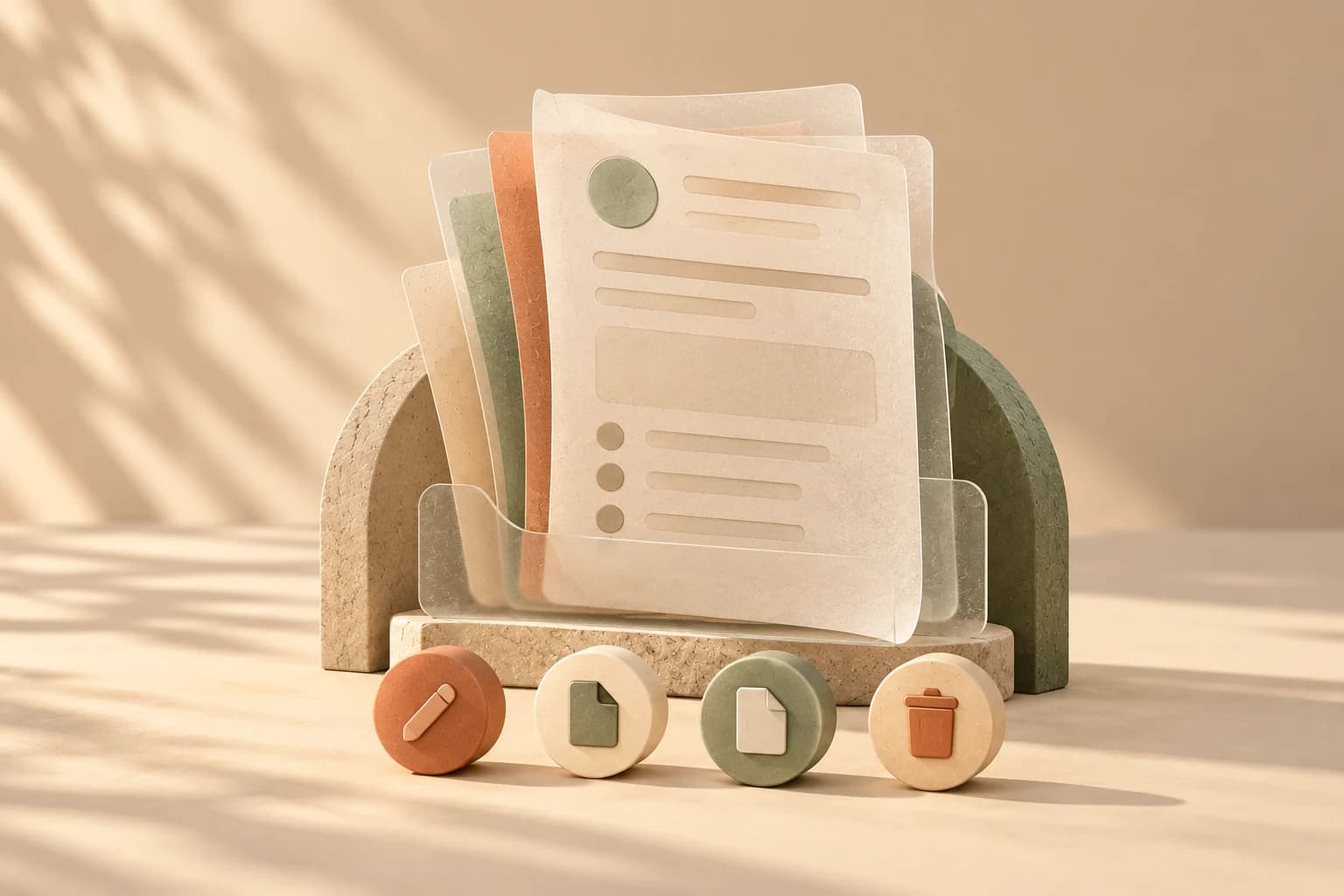
A patient asks what you did at her last visit. You want to read the chart, not land in a form where a stray keystroke changes it. Opening a charted visit now starts with a page for reading.
How you get there
From the Calendar, the dashboard's Today's schedule and the compact visit rows on a patient's page, a charted visit shows a Charted ✓ link, and it opens the details page. An invoice's linked session lands here too. A visit you have only started, a draft, shows Continue draft and goes straight to the editor so you can keep writing, with a smaller Details link beside it for reading. On the patient page, each session in the list expands in place and has View details, Edit and Delete at the bottom.
What the page shows
At the top are the patient, the visit date and time, the service with the provider, the location, and a status badge reading Draft, Complete or Signed. Below it is the whole chart as your chart template lays it out, under any names you gave its sections. Pulse, Tongue, Pattern and Points show a dash when empty so you can tell they were looked at; technique and the note appear only when filled in, and custom fields appear when they have a value.
A chart brought in from a CSV shows an Imported badge beside its status (imported charts). If invoicing is on, a billing line under the header says what the visit is attached to, such as a draft invoice or a package credit, with a Review billing link.
Draft, complete and signed
- Draft or complete: an Edit button opens the editor. The page itself is read-only in every state.
- Signed: Edit is replaced by Unsign to edit, and a notice says the session is signed and locked. One click unsigns it and opens the editor, and the unsign is recorded in the history. See sign and lock.
- Save changes in the editor returns you to this page.
Download PDF builds the chart PDF, and Superbill opens the visit's superbill.
Deleting from here
Delete asks first, with a prompt that says the session can be restored from Trash, then returns you to the patient's page. The chart moves to Trash and can be restored; nothing is erased. A signed chart can be deleted this way too, since the signature locks the chart's content, not its place in the record.